User Manual
Smoke Sensor
SKU: P-3RD-SS
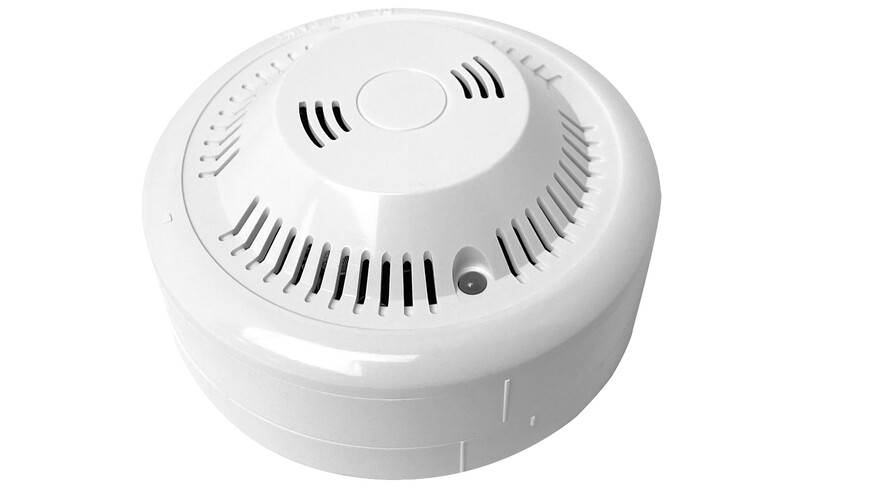
The smoke sensor detects smoke and reports it to the PIERRE controller, where the event can raise notifications and trigger automations.
Wired. Needs a PIERRE PRO or LITE Controller with a free input, plus the Smoke Sensor. The sensor takes 12 V from the controller.
Wire the sensor to the controller I/O terminals so the detection signal reaches the system reliably, then add and configure it in the PIERRE Partner application. The detector then appears in the Smart PIERRE application for monitoring, automations and notifications.
| Run | Wires | Cross-section | Cable type | Conductors |
|---|---|---|---|---|
| From smoke sensor to PIERRE Controller | 3 | 0.2 mm² (24 AWG) | Cat 5e U/UTP | +12 V, GND, SIGNAL |
One run, three conductors: 12 V, ground and signal, carried on a single Cat 5e U/UTP back to the controller. Three of the eight conductors are used. As with every sensor on this system, the run is home-run to the PIERRE cabinet rather than daisy-chained.
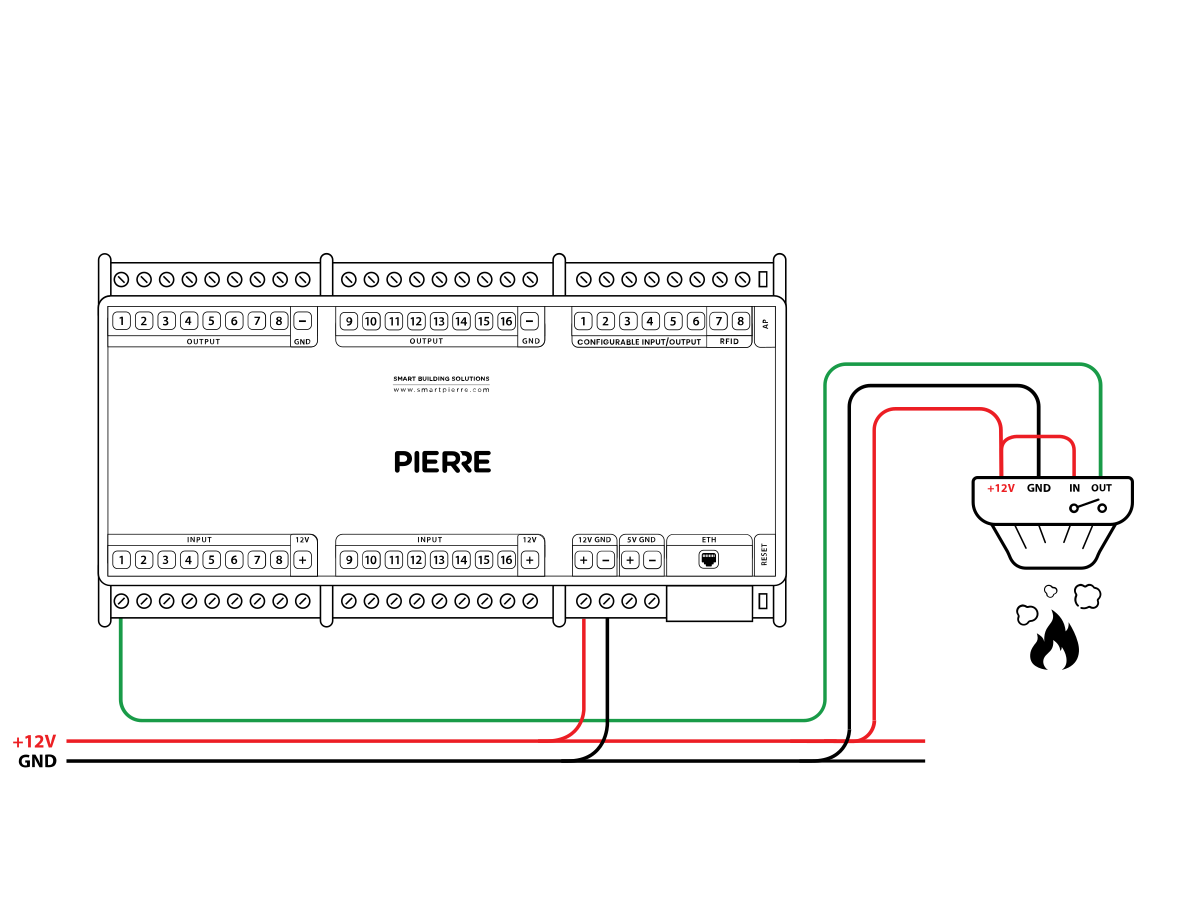
Wiring PIERRE smoke sensor — electric scheme
Green – online and connected. Red – offline, no network or no internet. Light blue – AP mode, broadcasting its own network for setup. Dark blue – AP mode managed through PIERRE Partner. Purple – searching for an IP address from the router. Orange – downloading a firmware update.
Check that the detector has been added to the configuration in the PIERRE Partner application.
A newly added detector needs a state change before it reports. Trigger it with the manufacturer’s test method, then let it reset.
It must be connected to 12 V, GND and a PIERRE input as shown in the wiring diagram, with the IN terminal bridged to +12 V.
Briefly bridge 12 V to the PIERRE input the detector uses. If the dot turns green in the app, everything up to that point is fine and the fault is the detector or a broken wire.
If one input influences an output, both should be added to the same controller. A motion sensor triggering a lamp, for example, performs best when both sit on the same controller.
No. Smoke and gas sensors connected to PIERRE are not certified fire-safety devices. They are intended for early detection and signalling only.
Each sensor is wired individually back to the PIERRE cabinet in a star pattern. INPUT 12–24 V takes 12 V DC from the controller, GND takes ground from the controller, switch terminal K1 (IN) is bridged to INPUT 12–24 V, and switch terminal K2 (OUT) goes to the input on the controller.