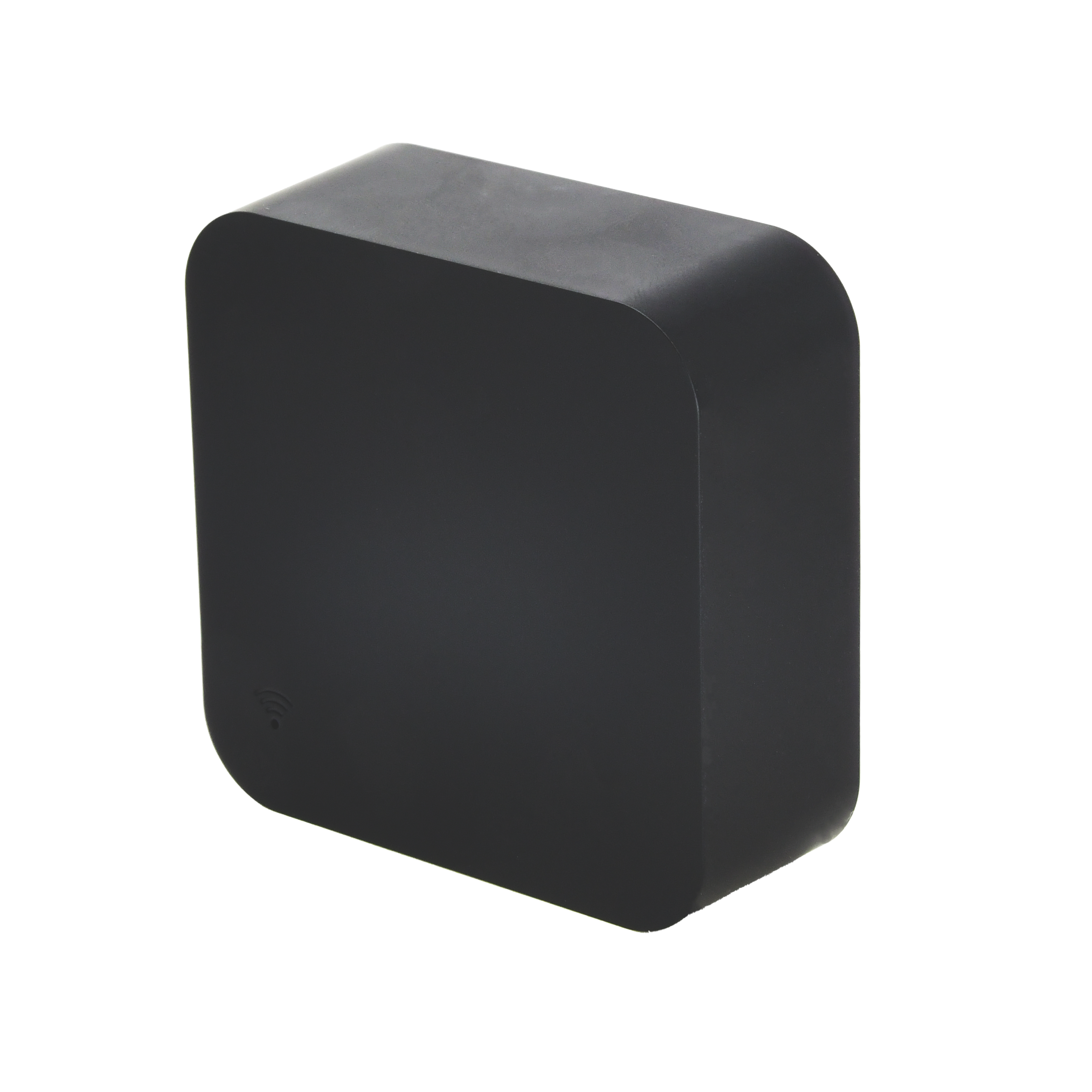
User Manual
IR Remote Control
SKU: PW-ACT-IR
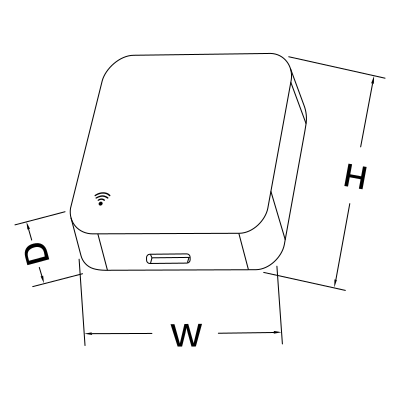
W: 49 mm
H: 49 mm
D: 19 mm
| LED Indicators | Yes |
| Operation Range | 10 m |
| Operating Temperature | 32 °F - + 122 °F |
| Operating Temperature (°C) | 0 - +50 |
| Operating Humidity | 10% - 85% RH Non-condensing % RH |
| Power Supply | DC 5V 1A |
| Current | 1.0 A |
| Frequency | 38KHz |
| Safety Features | Over voltage protection, Short circuit protection, Reverse polarity protection, Thermal protection |
| Panel Material | ABS plastic |
| Product Color | Black |
| Mounting Type | Flat surface |
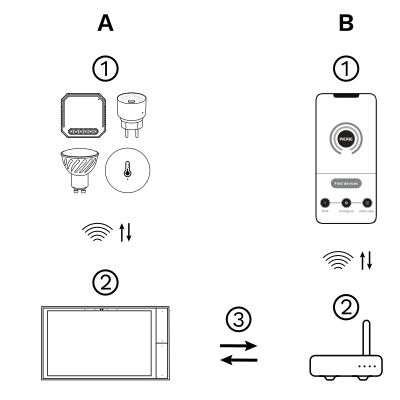
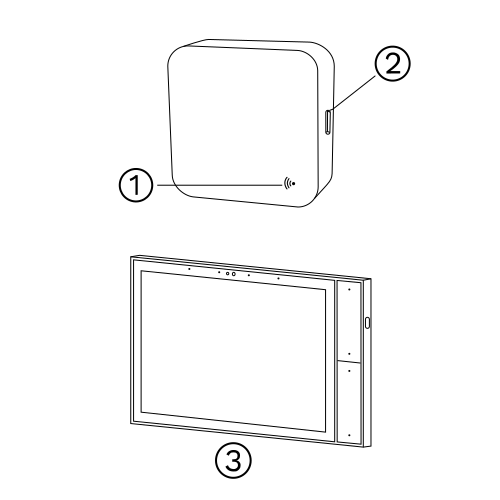
The PIERRE Wave (Zigbee 3.0, 2.4 GHz) system consists of the following components.
Required
Optional
Operation: the gateway connects to the router by Wi-Fi or LAN. PIERRE Wave products communicate wirelessly with the gateway in both directions: commands are sent and status updates are received through the Smart PIERRE app.
Zigbee gateway: a PIERRE display and/or gateway. One of those must already be commissioned before the device can be added.
Please scan the QR code to download PIERRE application
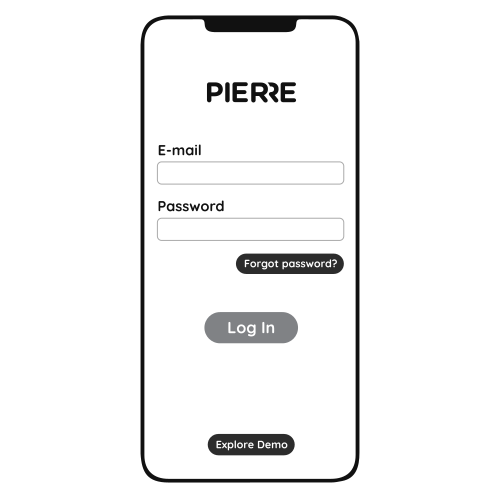
Log in with your Username and Password
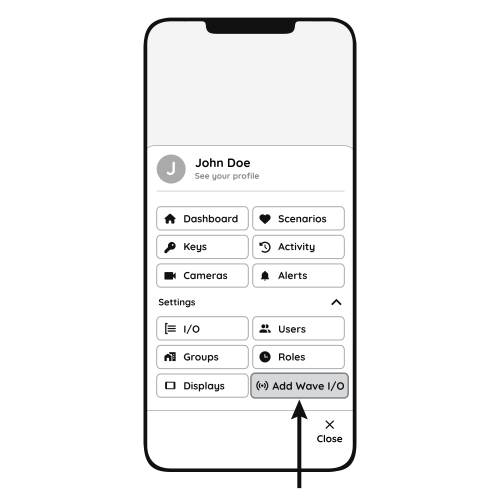
Open Settings and press "Add Wave I/O"
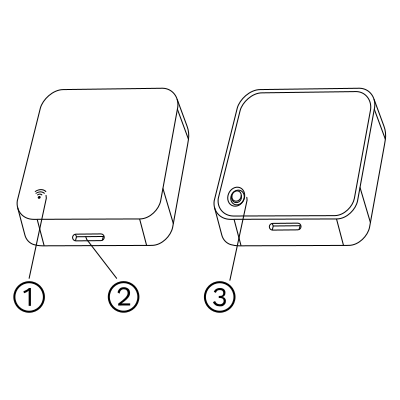
Press and hold the Reset button until the indicator light starts flashing.
The reset button is on the other side of the IR remote control.
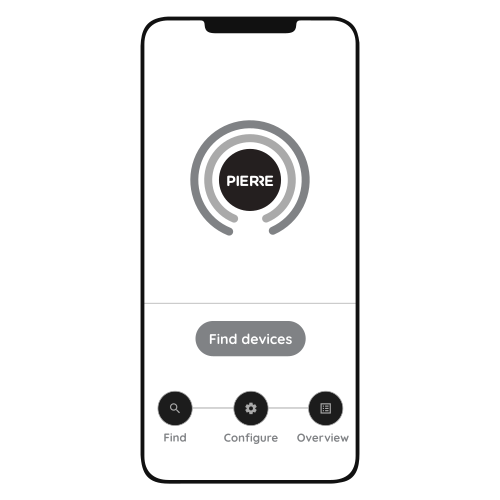
Press "Find Devices"
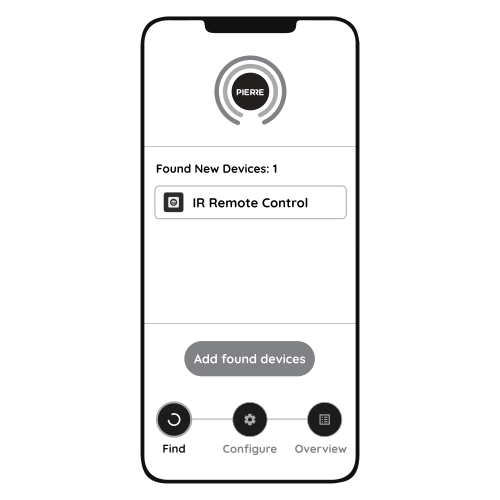
PIERRE application will show the list of available devices. Press "Add found devices"
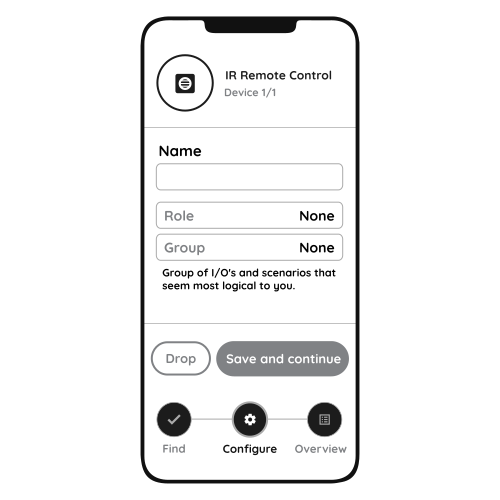
Enter Name, Role and Group settings and Save it
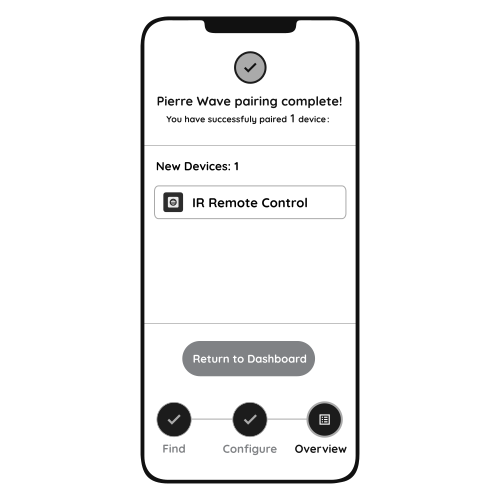
When the Light indicator stops flashing, the PIERRE Wave pairing process is finished
Use only a 5 V adapter rated for at least 1 A. With a weaker adapter the PIERRE Wave IR Remote will not work properly.
Up to 3 air conditioners can be added to one PIERRE Wave IR Remote.
Yes. Once the IR Remote is paired with the gateway and the gateway is connected to the internet, you can control the devices from the Smart PIERRE app over any internet connection.
Infrared does not pass through walls or furniture. Make sure there is a clear line of sight between the IR Remote and the controlled device.
Only a PIERRE display and/or gateway. Third-party Zigbee gateways are not supported.
From the Smart PIERRE app or directly on the display: open the display settings, select the Wave tab and find the IR Remote in the I/O list. Open it and select the manufacturer from the list; if there are several models, select the model from the "Select Model" list.