User Manual
1 Gang Blind/Curtain Module (L+N)
SKU: PW-MOD-B-1G-NL-MINI
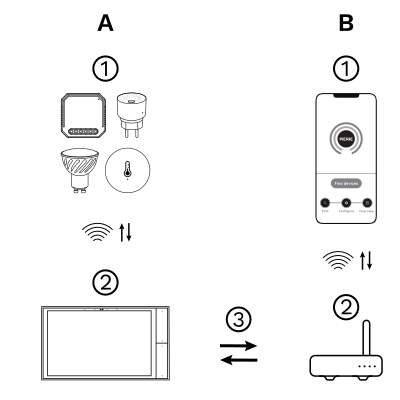
The PIERRE Wave (Zigbee 3.0, 2.4 GHz) system consists of the following components.
Required
Optional
Operation: the gateway connects to the router by Wi-Fi or LAN. PIERRE Wave products communicate wirelessly with the gateway in both directions: commands are sent and status updates are received through the Smart PIERRE app.
A PIERRE Wave (Zigbee 3.0, 2.4 GHz) gateway: a PIERRE display and/or gateway. The motor itself is site-supplied.
| Power Supply | 100-240V AC 50/60Hz |
| Current | 5.0 A |
| Frequency | 2.4GHz~2.484GHz |
| Connectivity | Zigbee |
| LED Indicators | Yes |
| Operation Range | 200 m |
| Operating Temperature | +14°F - +104°F |
| Operating Temperature (°C) | -10 - +40 |
| IP Rating | IP20 |
| Safety Features | Overload protection, Over voltage protection, Short circuit protection, Thermal protection, Electrostatic protection, Surge protection |
| Number of Channels | 1 channel |
| Panel Material | PC material |
| Product Color | White |
| Wiring Requirements | N - Neutral, L - Line |
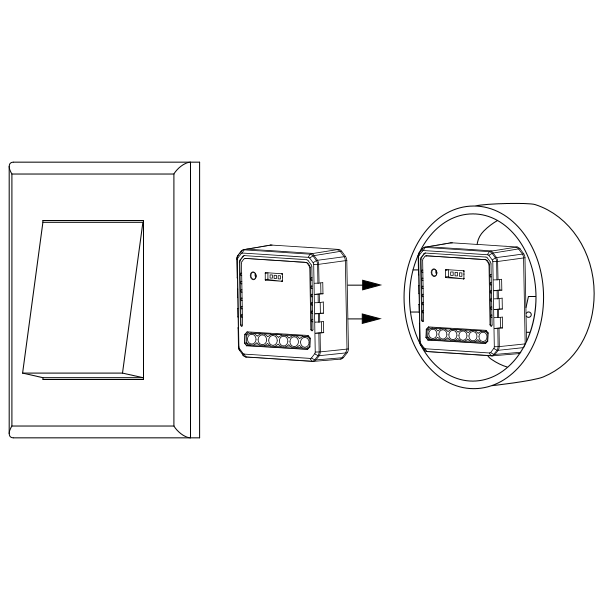
Warnings:
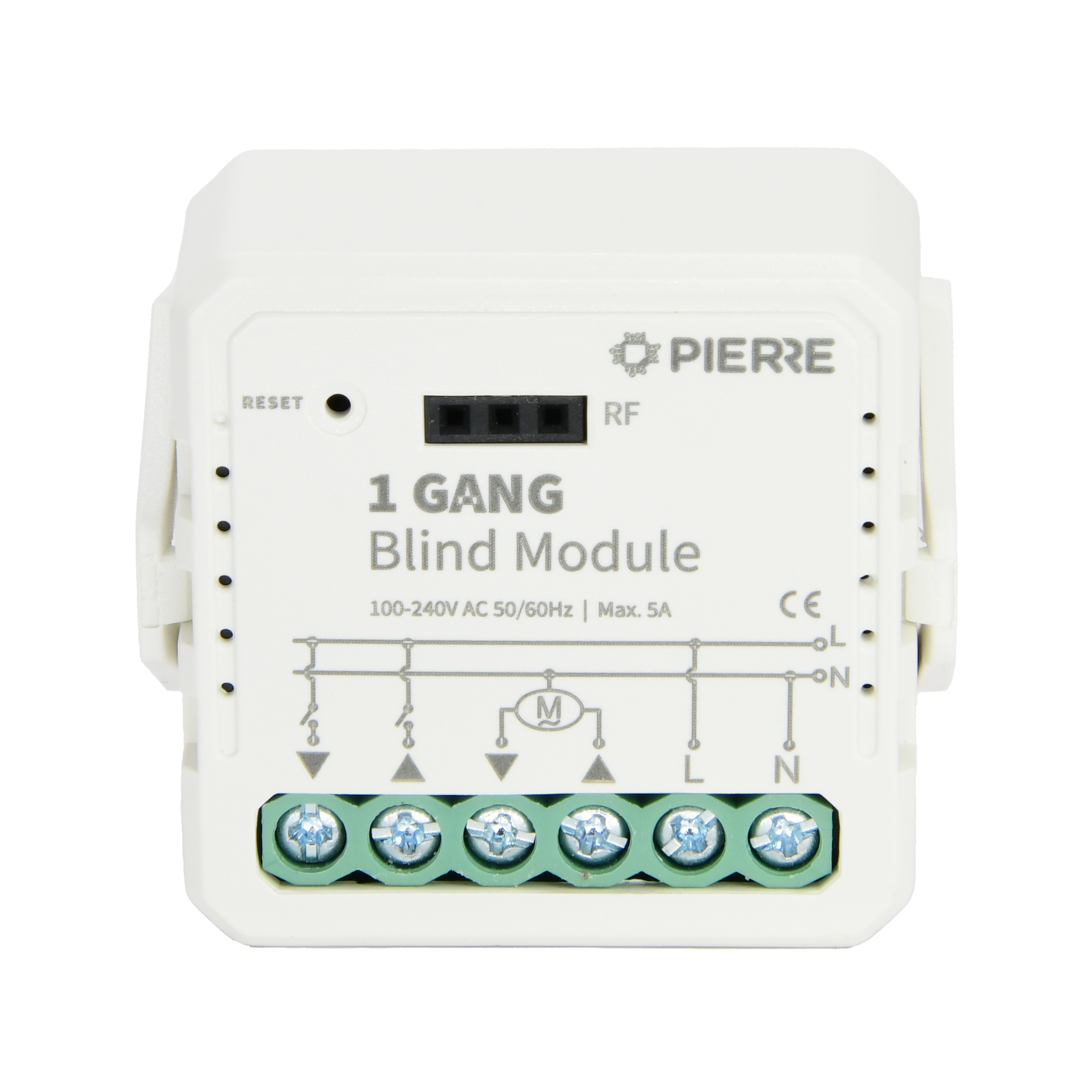
The blind module has two switch inputs, S1 (up) and S2 (down), for a wall switch or two push-buttons, so the end user can drive the motor without the app.
Notes:
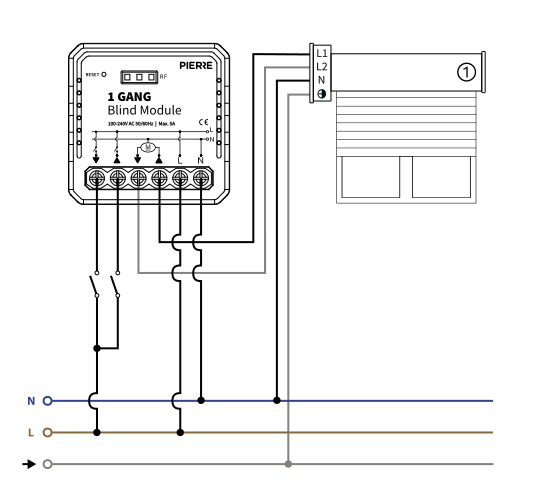
For curtain, roller shutter or blind motor
| Run | Wires | Cross-section | Cable type | Conductors |
|---|---|---|---|---|
| From electric box to blind module | 2 | 1.5 mm² | NYM-O | L, N |
| From blind module to motor | 3 | 1.5 mm² | NYM-J | Up, Down, N |
| From blind module to switch | 3 | 0.75 mm² | NYM-J | COM, S1 (up), S2 (down) |
Three runs. The supply into the module is two conductors at 1.5 mm², line and neutral. Out to the motor: three conductors at 1.5 mm² — up, down and neutral (use a four-core cable if the motor also needs a protective earth). The wall switch or two push-buttons are looped on three conductors at 0.75 mm²: common, S1 for up and S2 for down.
Please scan the QR code to download PIERRE application
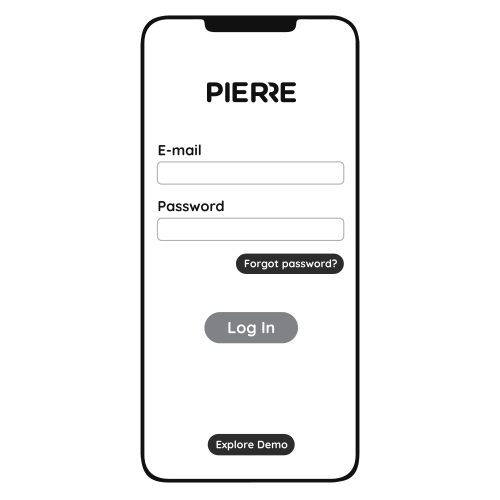
Log in with your Username and Password
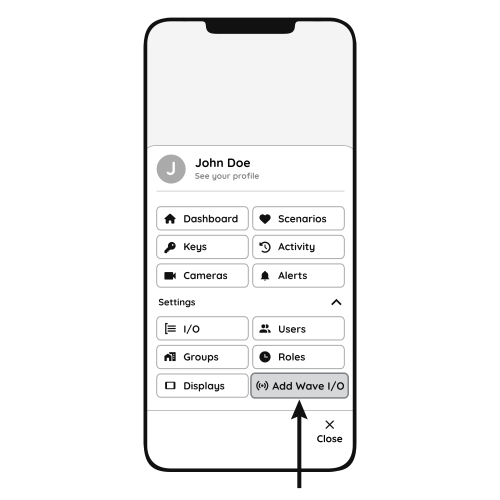
Open Settings and press "Add Wave I/O"
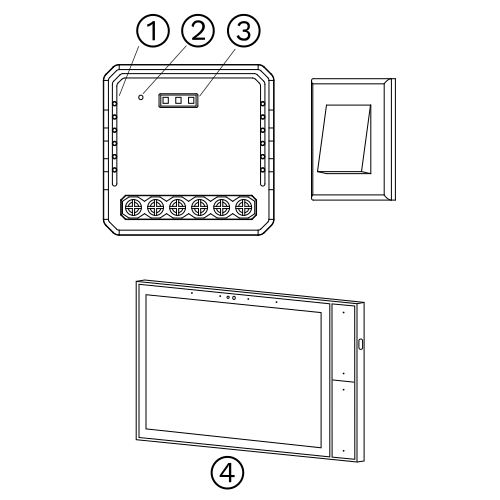
Press and hold the Reset Key for 10 seconds (use a small, thin object like a paperclip) until the Indicator Light starts flashing
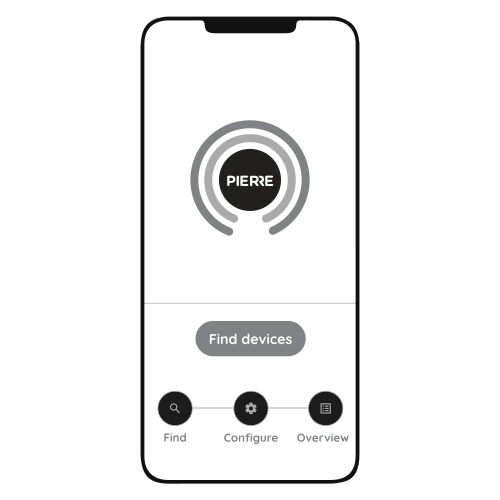
Press "Find Devices"
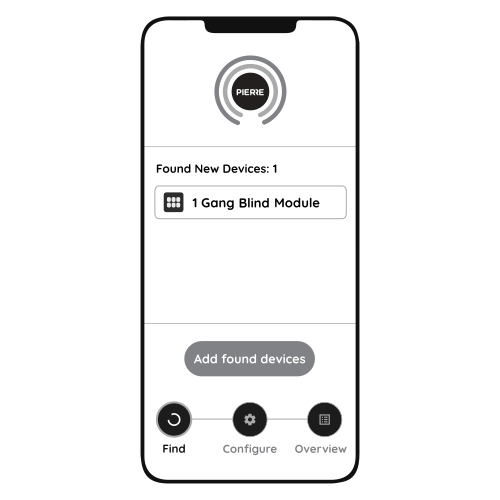
PIERRE application will show the list of available devices. Press "Add found devices"
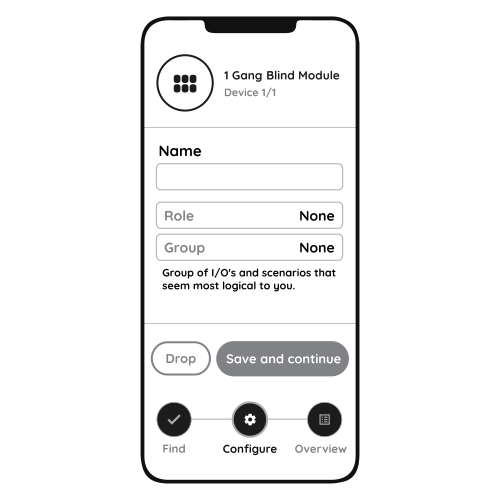
Enter Name, Role and Group settings and Save it
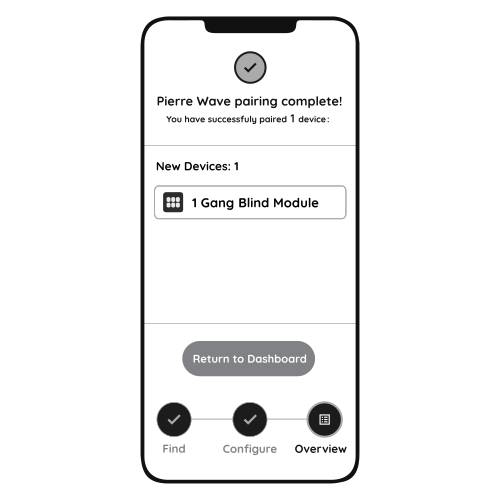
When the Light indicator stops flashing, the PIERRE Wave pairing process is finished
Curtain, blind and roller shutter motors with separate up and down lines, within the rated load given in the specifications.
The module keeps working locally. You can still drive the motor with the wall switch and control it from the PIERRE display and/or gateway; only remote access from the app is unavailable.
Toggle the connected wall switch 5 times, power the module off and on 5 times, or press and hold the reset key for about 5 seconds, until the indicator light flashes quickly.
Each motor is wired to its own blind module, which sits in the wall box behind the switch; the switch connects to the module's S1 (up) and S2 (down) inputs. No cable back to a central distribution box is needed.