User Manual
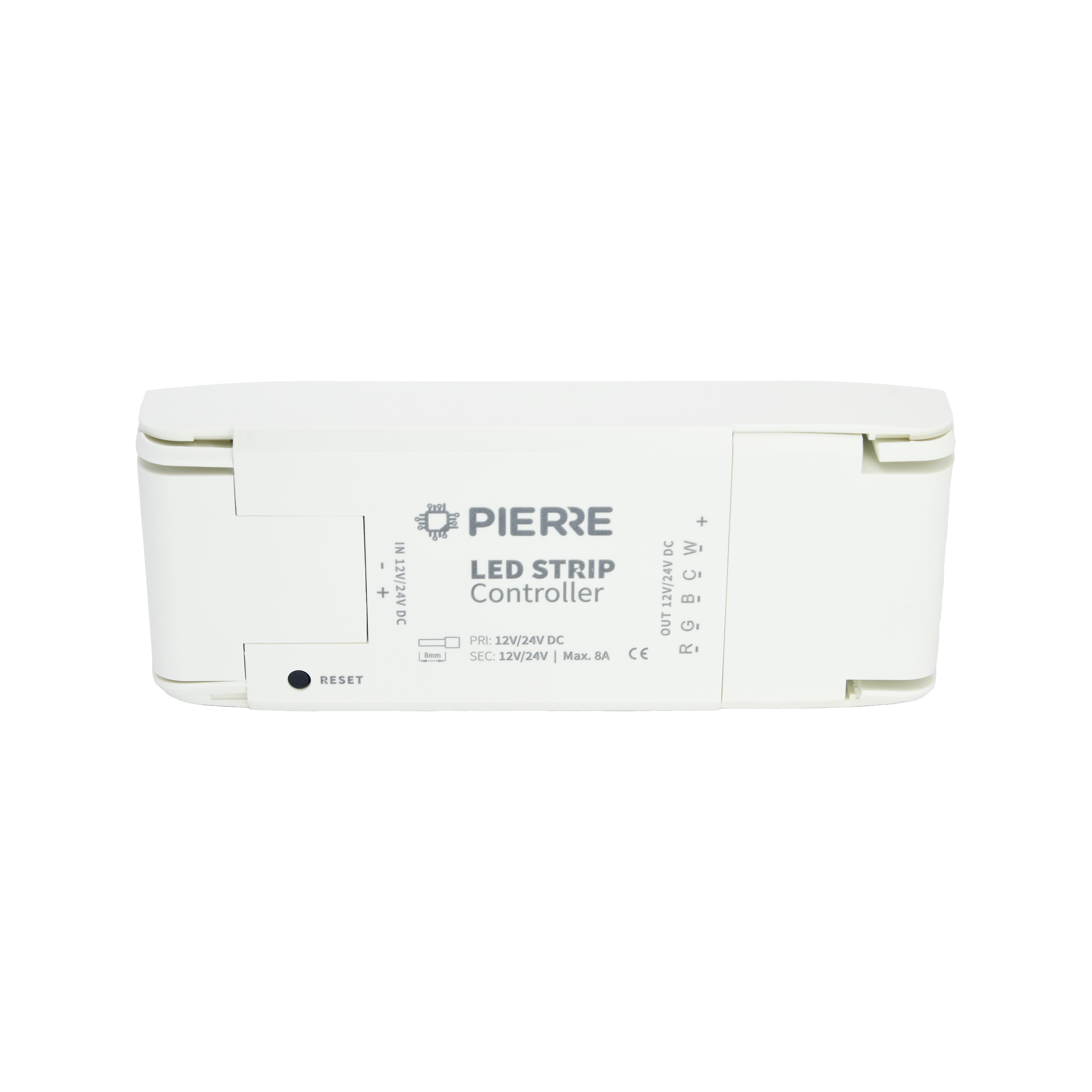
RGBCW Led Strip Module
SKU: PW-MOD-RGBCW-LED
Warnings:
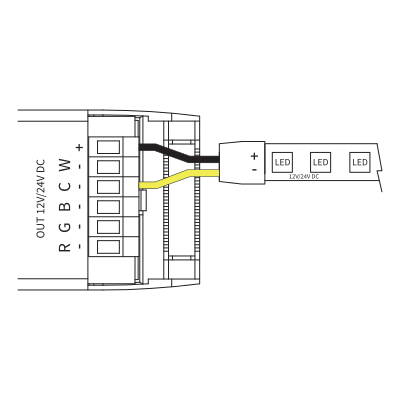
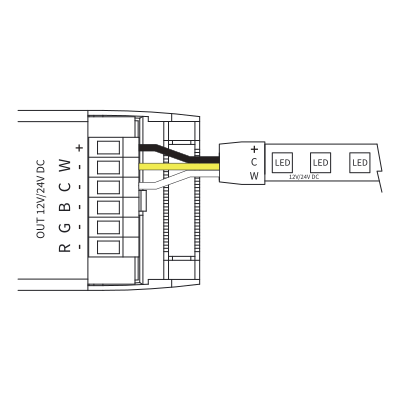
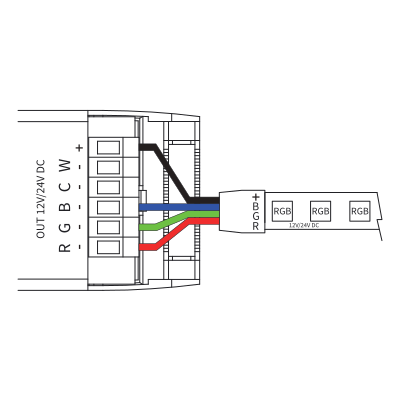
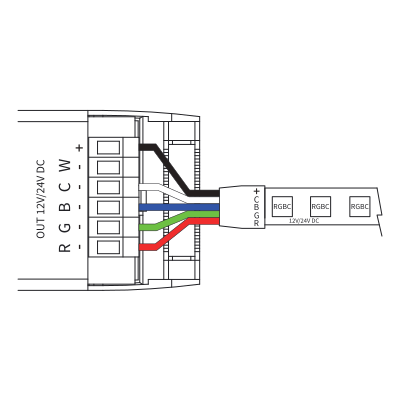
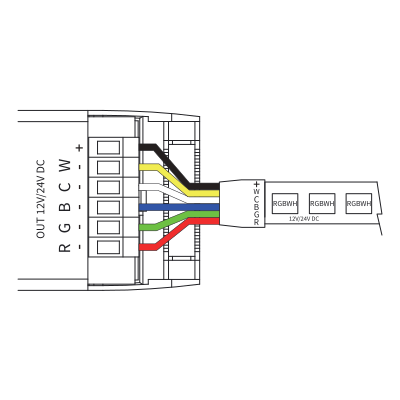
| Run | Wires | Cross-section | Cable type | Conductors |
|---|---|---|---|---|
| From power supply to module | 2 | 0.75 mm² | H05VV-F 2 × 0.75 | 12/24 V DC +, GND |
| From module to LED strip | 6 | 0.75 mm² | multi-core LED cable (e.g. LiYY 6 × 0.75) | V+ (common), R, G, B, CW, WW |
Two runs. The DC supply into the driver is two conductors at 0.75 mm². The strip side is a six-core low-voltage cable at 0.75 mm² per conductor: V+ common, red, green, blue, cool white and warm white. The common carries the sum of all channel currents, so size it for the total strip load. Long strip runs drop voltage along their length, so feed from both ends or split the run into sections, and leave accessible space for the driver and the power supply.
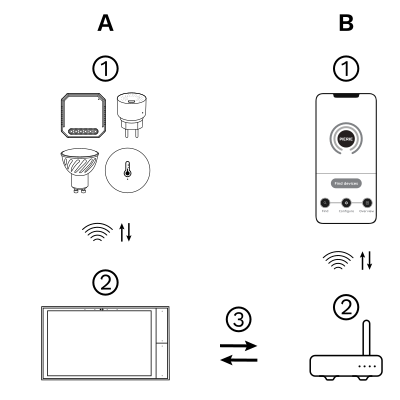
The PIERRE Wave (Zigbee 3.0, 2.4 GHz) system consists of the following components.
Required
Optional
Operation: the gateway connects to the router by Wi-Fi or LAN. PIERRE Wave products communicate wirelessly with the gateway in both directions: commands are sent and status updates are received through the Smart PIERRE app.
A PIERRE Wave (Zigbee 3.0, 2.4 GHz) gateway: a PIERRE display and/or gateway. The 12/24 V DC power supply and the LED strip itself are site-supplied and sized to the run.
Please scan the QR code to download PIERRE application
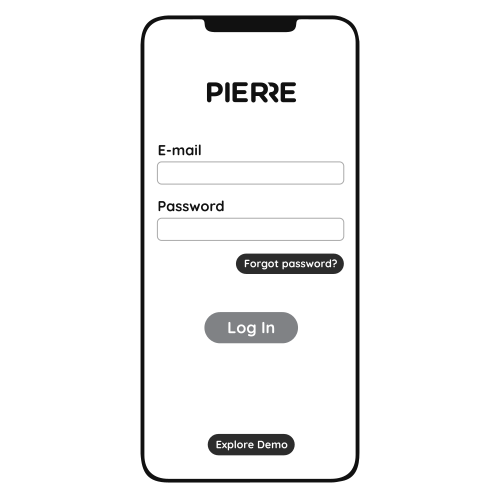
Log in with your Username and Password
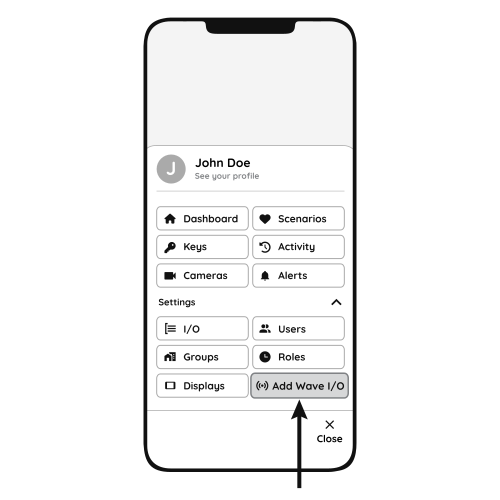
Open Settings and press "Add Wave I/O"
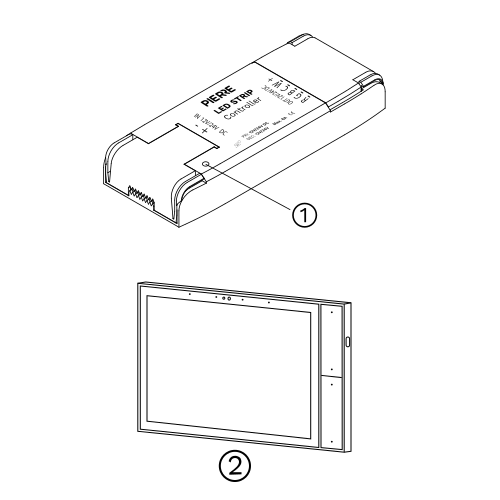
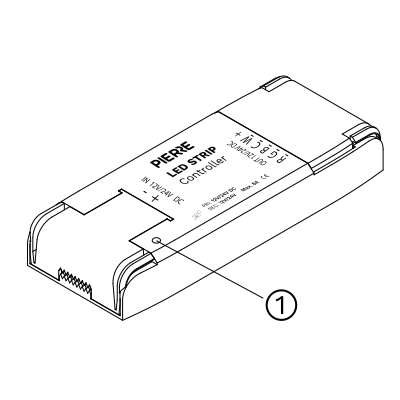
Press the reset button 5 times until the connected strip flashes quickly.
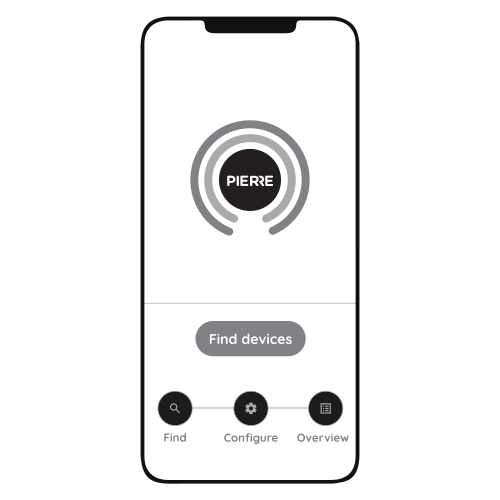
Press "Find Devices"
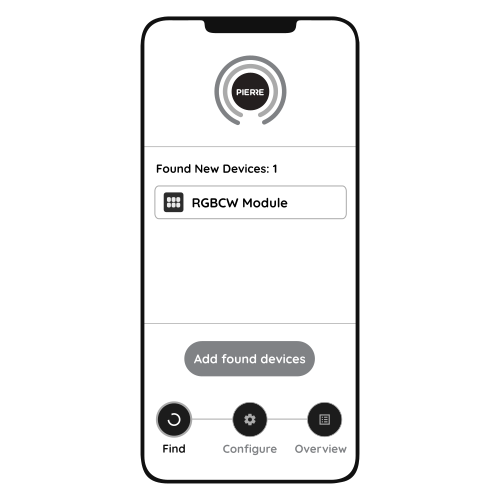
PIERRE application will show the list of available devices. Press "Add found devices"
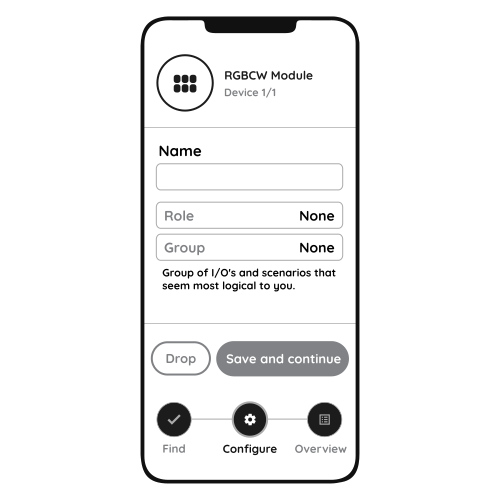
Enter Name, Role and Group settings and Save it
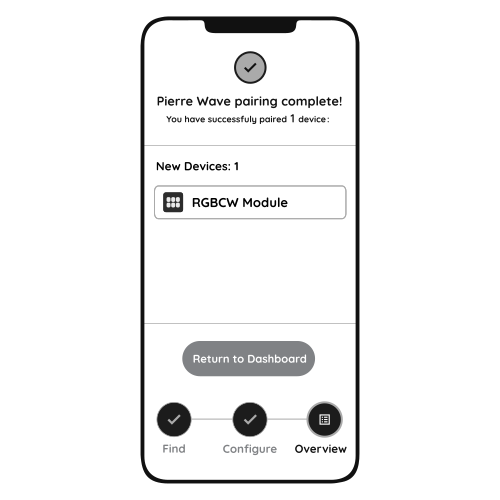
When the strip stops flashing, the PIERRE Wave pairing process is finished
12/24 V DC constant-voltage strips: single colour, dual white, RGB, RGB+WW or RGB+CW, and RGB+CW+WW.
The strip keeps its last colour and brightness and can still be controlled from the PIERRE display and/or gateway; only remote access from the app is unavailable.
Press the reset button 5 times or more until the connected strip flashes quickly.
The module keeps its last state and comes back when power is restored.
Feed long strips every 5 m or from both ends to avoid voltage drop, and size the power supply to the total strip load.
Not with this module: it drives 12/24 V DC strips. 48 V magnetic track systems are dimmed through their own driver; if the driver has a 0–10 V input, use the PIERRE 0-10V Dimmer Module (PW-MOD-D010-1G-NL).