User Manual
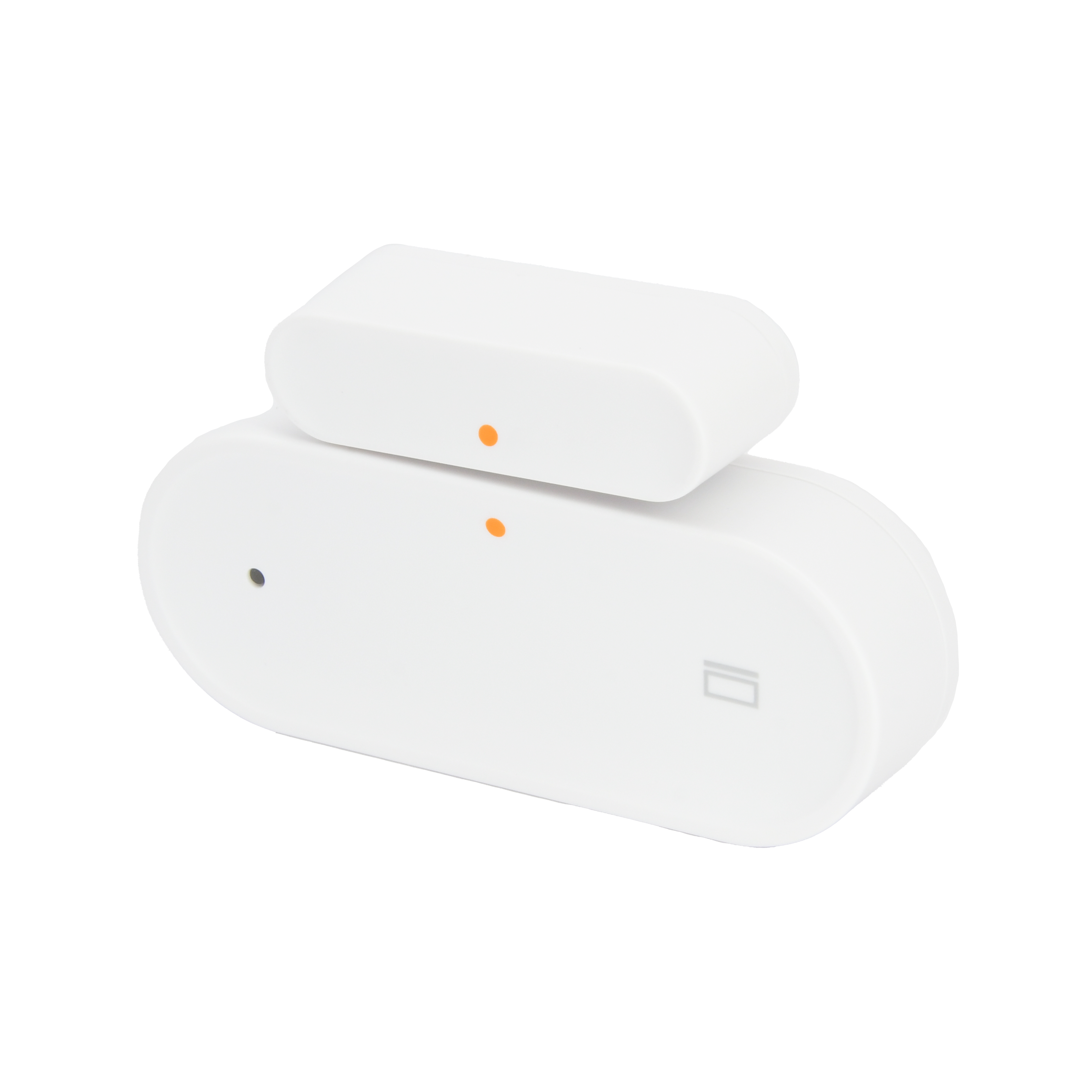
Door/Window sensor
SKU: PW-SNS-CONTACT 1
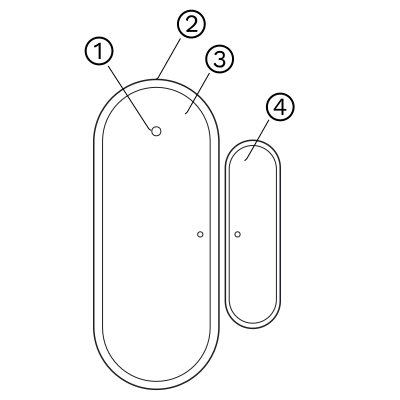
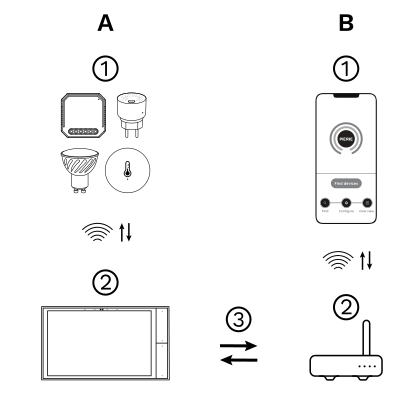
The PIERRE Wave (Zigbee 3.0, 2.4 GHz) system consists of the following components.
Required
Optional
Operation: the gateway connects to the router by Wi-Fi or LAN. PIERRE Wave products communicate wirelessly with the gateway in both directions: commands are sent and status updates are received through the Smart PIERRE app.
Zigbee gateway. Needs a PIERRE display acting as gateway or through The One gateway. Requires CR2032 batteries.
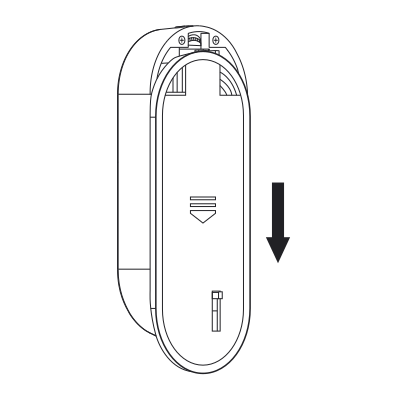
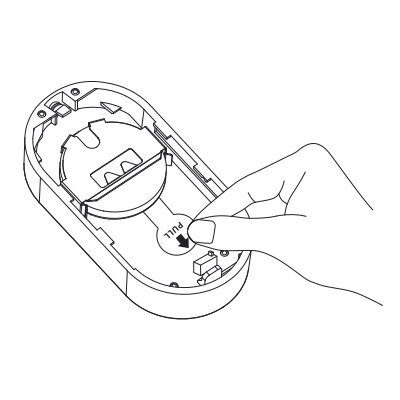
To power on the product, follow these three steps:
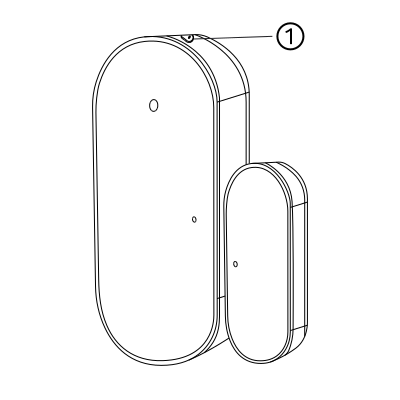
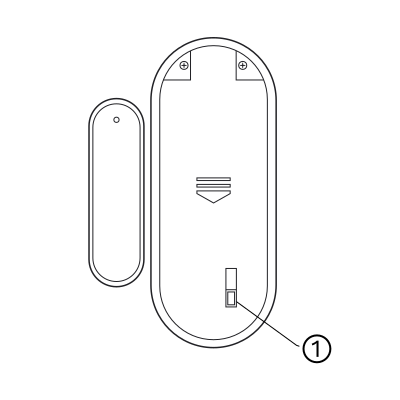
Press the reset button for 5 s and release it. The LED flashes to show that the sensor is in pairing mode. It keeps flashing for 20 s. If pairing does not succeed within that time, press the reset button for 5 s again and retry.
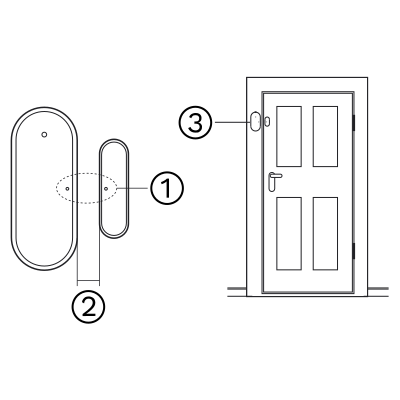
Install the product on a door or window with the main body fixed on the door or window frame (wooden doors and windows are recommended), as shown in the figure.
Note
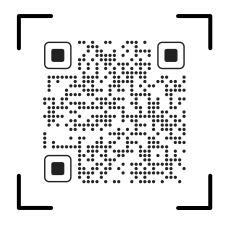
Please scan the QR code to download PIERRE application
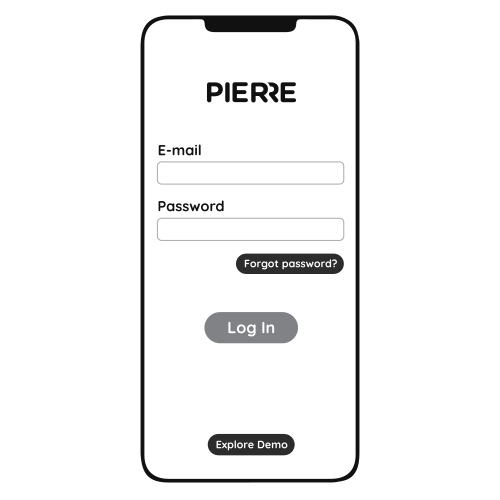
Log in with your Username and Password
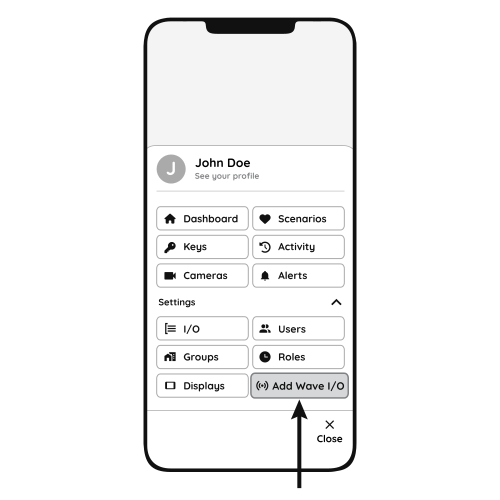
Open Settings and press "Add Wave I/O"
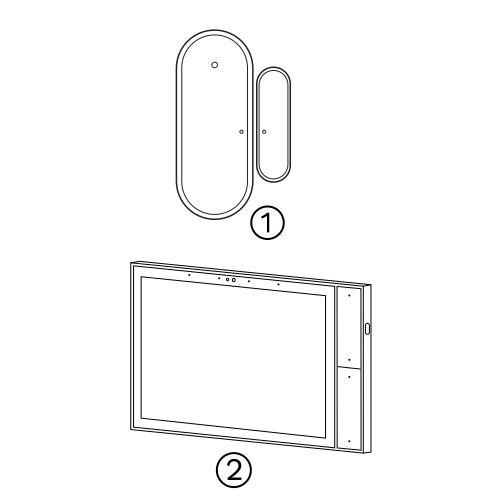
Press and hold the Reset Key for 5 seconds and the green LED will flash for network setting.
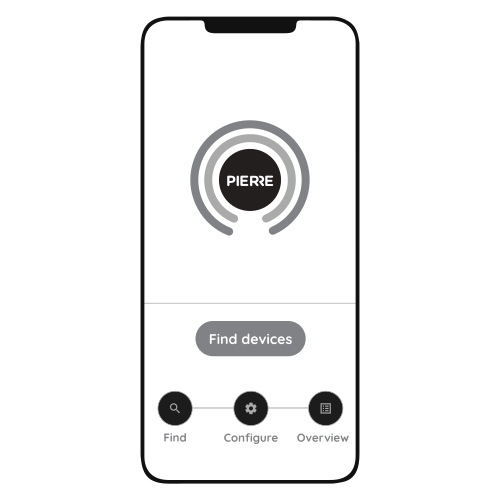
Press "Find Devices"
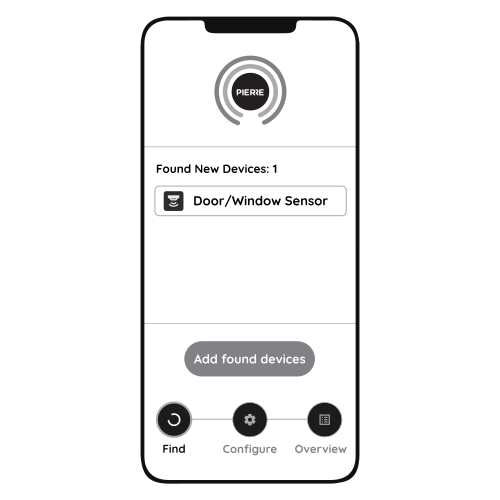
PIERRE application will show the list of available devices. Press "Add found devices"
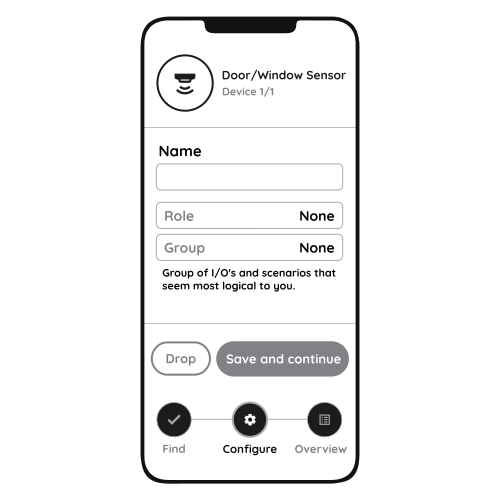
Enter Name, Role and Group settings and Save it
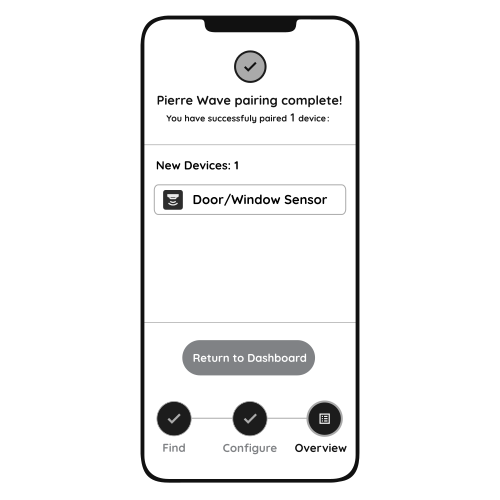
When the Light indicator stops flashing, the PIERRE Wave pairing process is finished
How to install and set up the door and window sensor. https://www.youtube.com/watch?v=rZzP5D-k9M8
The contact sensor should be installed so that the sensor and magnet are aligned when the door or window is closed. For windows, placing the sensor on the top allows it to detect even when the window is tilted open.