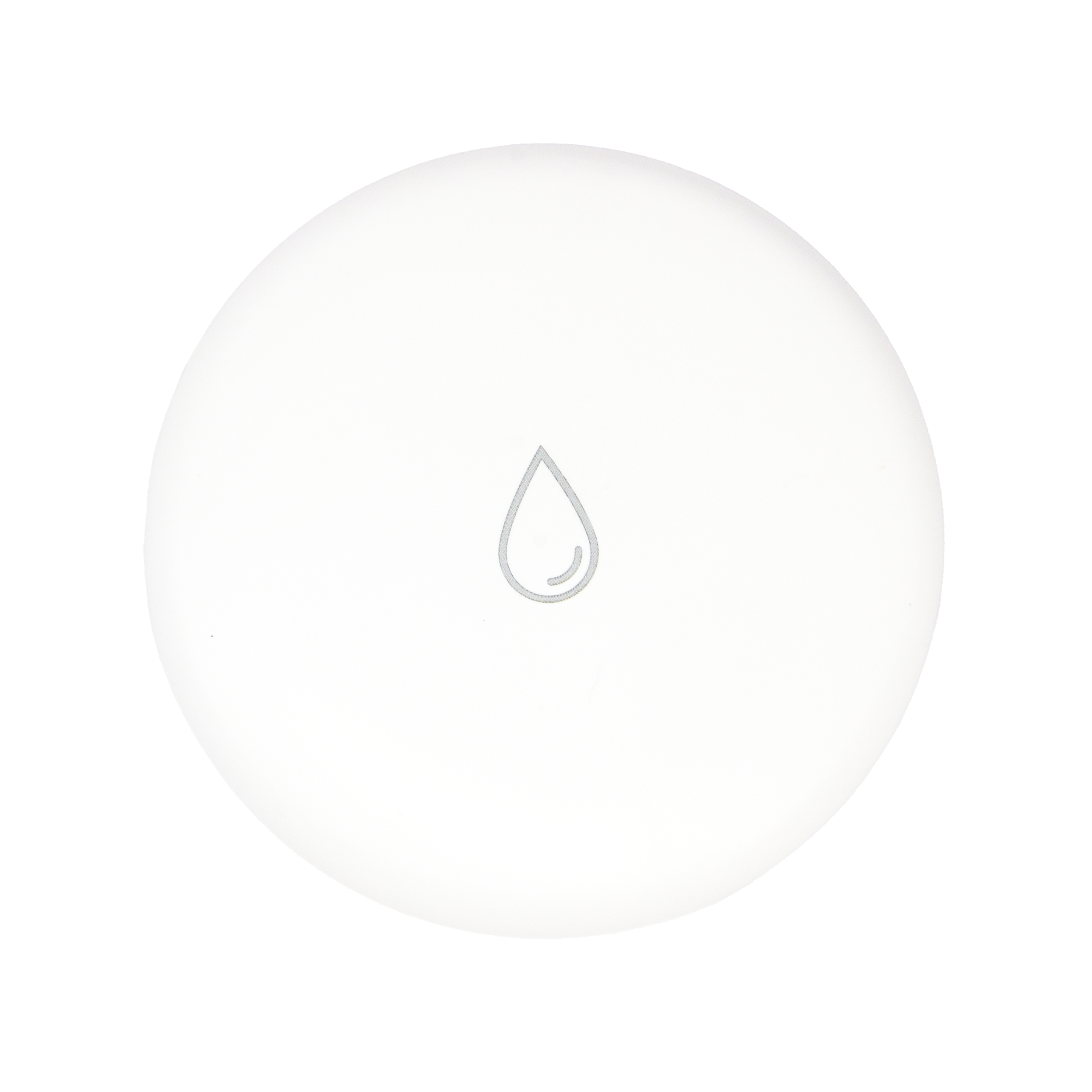
User Manual
Water Leak Sensor Mini
SKU: PW-SNS-WATER-MINI
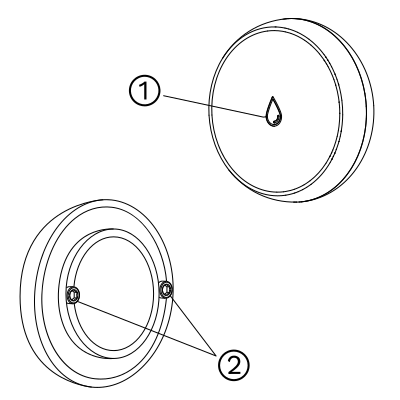
D: 13 mm
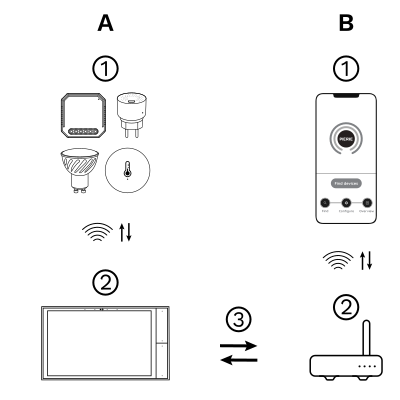
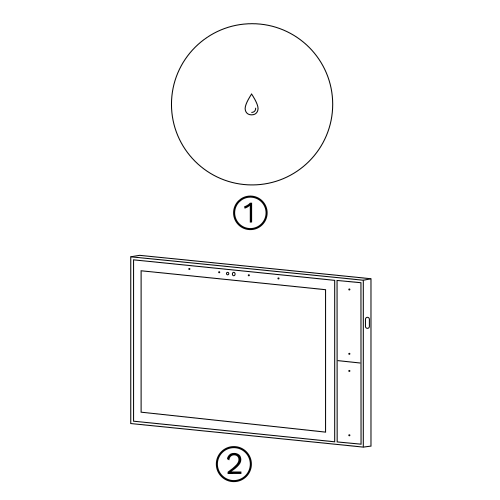
The PIERRE Wave (Zigbee 3.0, 2.4 GHz) system consists of the following components.
Required
Optional
Operation: the gateway connects to the router by Wi-Fi or LAN. PIERRE Wave products communicate wirelessly with the gateway in both directions: commands are sent and status updates are received through the Smart PIERRE app.
Zigbee gateway. Needs a PIERRE display acting as gateway or through The One gateway. Requires CR2032 battery.
| Power Supply | CR2032 Battery |
| Operating Temperature | +14°F - +131°F |
| Operating Temperature (°C) | -10 - +55 |
| IP Rating | IP54 |
| Connectivity | Zigbee |
| Safety Features | Tamper protection, Anti-flammable housing |
| Built-in Sensors | Flood/Water leak |
| Low Battery Indication | Yes |
| Panel Material | ABS+PC material |
| Product Color | White |

Insert a thin blade or coin into the slot on the battery cover and rotate it anticlockwise to open.

Remove the battery insulation film to power on the product, then close the battery cover.
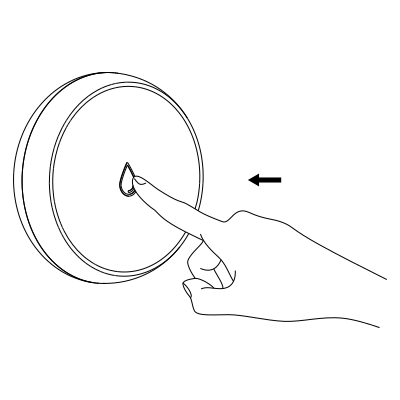
Press and hold the reset button for 5 seconds, then release. The blue LED will flash, indicating network setting mode.
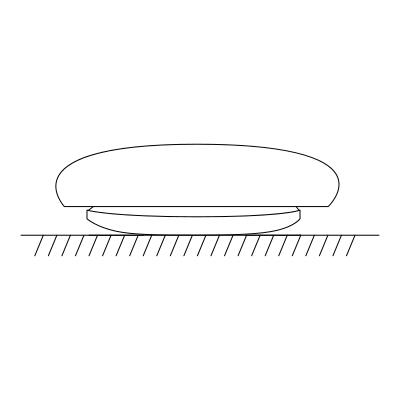
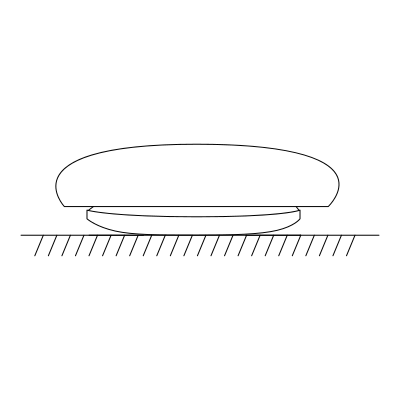
Place the product in a fixed position within the detection area.
It is recommended not to move it randomly, in order to avoid affecting the monitoring.
Bottom view: Place the product securely in this area.
Please scan the QR code to download PIERRE application

Log in with your Username and Password
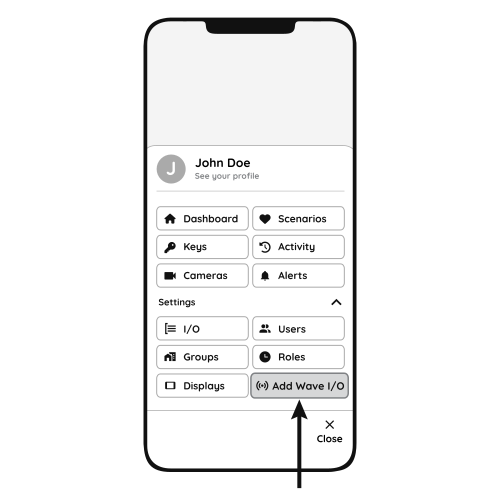
Open Settings and press "Add Wave I/O"
Press and hold the Reset button for 5 seconds, then release. The LED flashes: the sensor is in pairing mode.
Pairing mode times out after 30 seconds. If the sensor has not joined the gateway by then, press and hold the button for 5 seconds again.
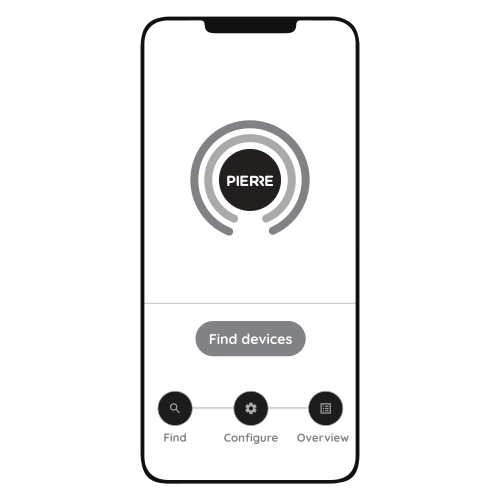
Press "Find Devices"
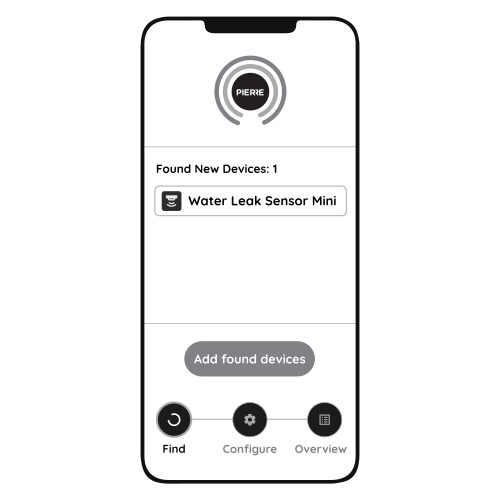
PIERRE application will show the list of available devices. Press "Add found devices"
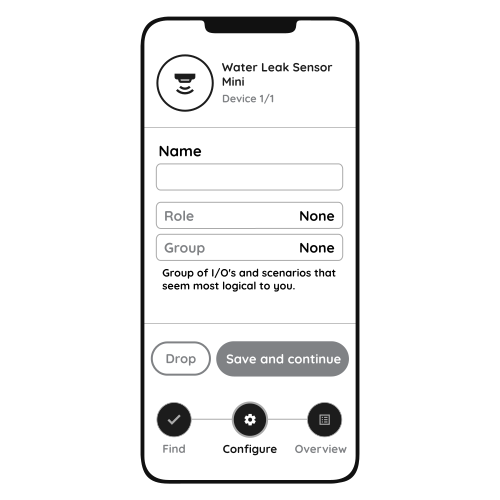
Enter Name, Role and Group settings and Save it
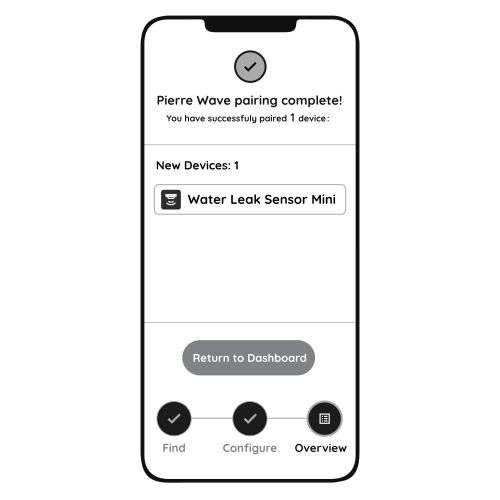
When the Light indicator stops flashing, the PIERRE Wave pairing process is finished
How to install and pair the water leak sensor. https://www.youtube.com/watch?v=9JB9t9U2ufE
The leak sensor should be placed near water sources like sinks, water heaters, or pipes, so it can detect leaks quickly.