Flat Series 1 Gang Dimmer Switch - Black (L+N)
User Manual

Flat Series 1 Gang Dimmer Switch - Black (L+N)

SKU: PW-SWI-D-1G-NL-BLK-F

1. Product Description

The PIERRE Wave - Flat Series 1 Gang Dimmer Switch is a single-channel dimming wall switch for one lighting circuit up to 300 W. Black tempered glass, requires Live and Neutral.

The PIERRE Wave Flat Series 1 Gang Dimmer Switch controls the brightness of a lighting circuit. It has a tempered glass panel with a touch-sensitive surface, and communicates with the system over PIERRE Wave.
Specifications

  • Voltage range: 100–240 V AC
  • Maximum current: 10 A
  • Maximum load power: 300 W
  • Wiring: L+N — both live and neutral are required
  • Housed in a back box, with mounting hardware included
  • An indicator light shows the on/off state

Control

  • Manual dimming on the touch panel.
  • Remote control and dimming from the Smart PIERRE app.
  • Scheduled and automated brightness levels, and use in scenes.

Technical Notes

  • Confirm that a neutral conductor is present at the switch position before ordering. L+N wiring is a requirement, not an option.
  • The light source must be dimmable. If the LED specification does not state that the lamp is dimmable, assume it is not.
  • Stay within the 300 W load limit, and check the dimming method the driver expects — the dimmer, the driver and the lamp all have to match.
  • A very low total load (a single low-power LED) can cause flicker or a lamp that will not switch off completely. Test the actual lamps before handover, not a substitute.
  • Installation is mains work and belongs to a qualified electrician.

2. System requirements

Image

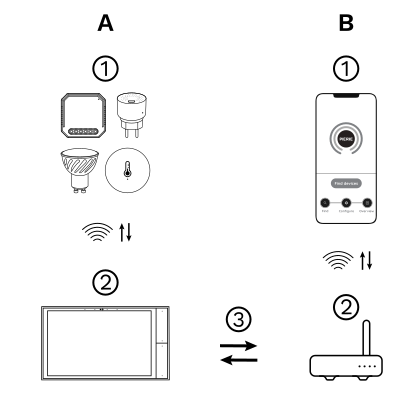
The PIERRE Wave (Zigbee 3.0, 2.4 GHz) system consists of the following components.

Required

  1. PIERRE Wave products: switches, modules, sensors, thermostats and other devices. They connect wirelessly to the gateway.
  2. Gateway: a PIERRE display and/or gateway. It links all PIERRE Wave devices and handles the communication with the app.

Optional

  1. Smart PIERRE app: control and monitoring from a smartphone or tablet. Not required for basic operation.
  2. Router: gives the gateway internet access for remote control.

Operation: the gateway connects to the router by Wi-Fi or LAN. PIERRE Wave products communicate wirelessly with the gateway in both directions: commands are sent and status updates are received through the Smart PIERRE app.
What you need

  • A PIERRE display and/or gateway for the PIERRE Wave (Zigbee 3.0, 2.4 GHz) network.
  • Mains supply 100–240 V AC with live and neutral (L+N) at the switch position.
  • A dimmable lamp or LED driver; total load up to 300 W.

3. Wiring

Image

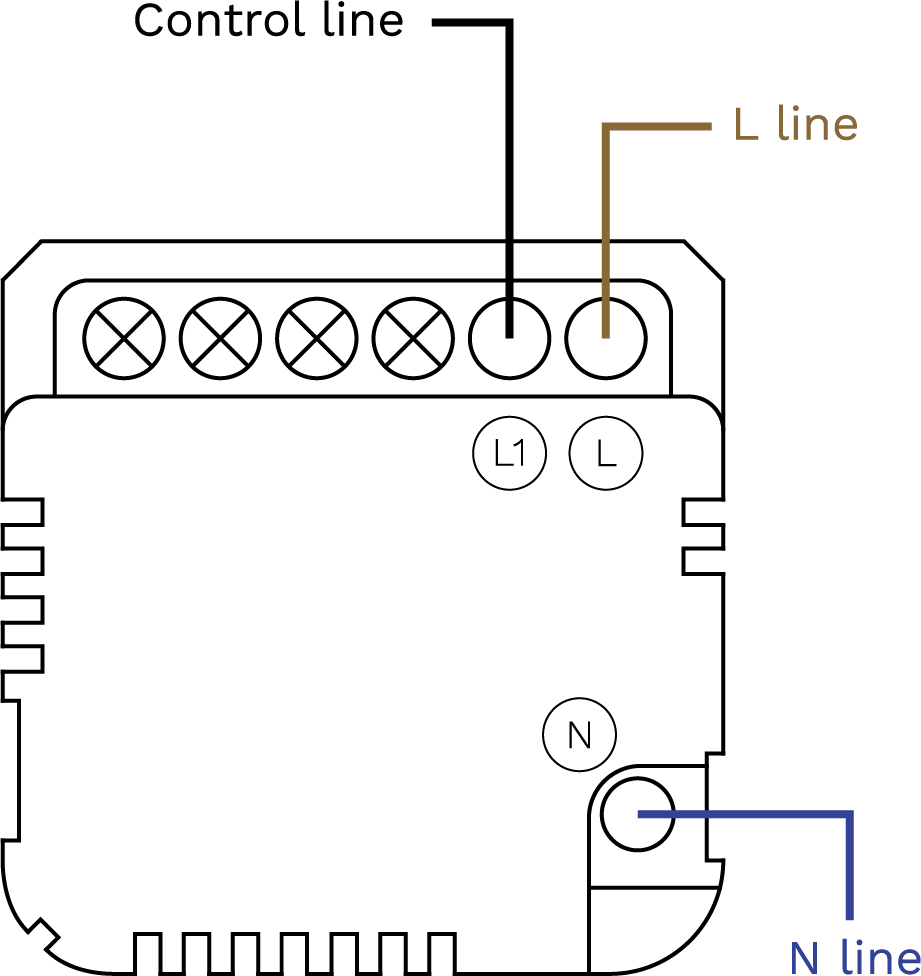
1 Gang Dimmer Switch (L+N) wiring diagram

Run Wires Cross-section Cable type Conductors
From distribution board to dimmer switch 2 1.5 mm² NYM-O L, N
From dimmer switch to lamp 1 1 mm² NYM-O L1 (lamp neutral is taken from the distribution board)

4. App-to-Device Pairing

Image

Please scan the QR code to download PIERRE application
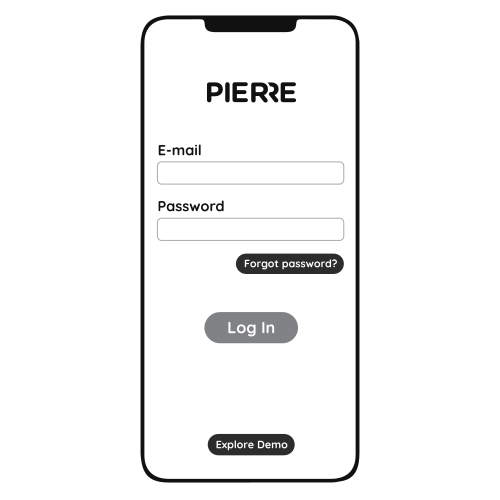
Image

Log in with your Username and Password
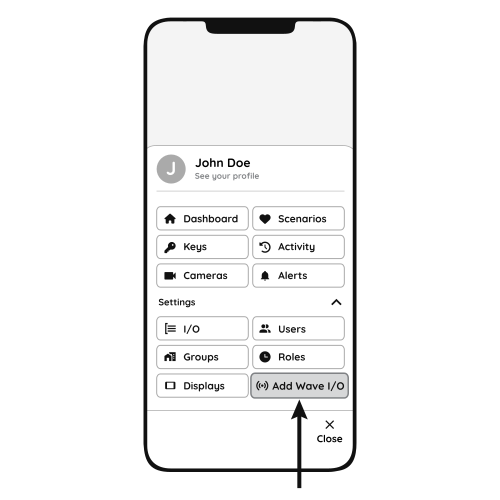
Image

Open Settings and press "Add Wave I/O"
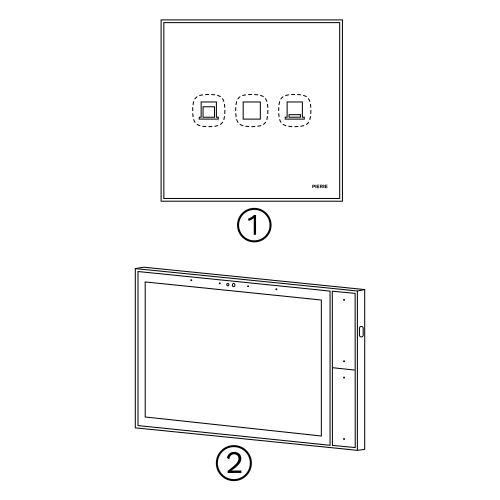
Image

Press and hold the Reset Key for 10 seconds (use a small, thin object like a paperclip) until the Indicator Light starts flashing
  1. Indicator Light
  2. Reset Key
  3. PIERRE Wave Gateway

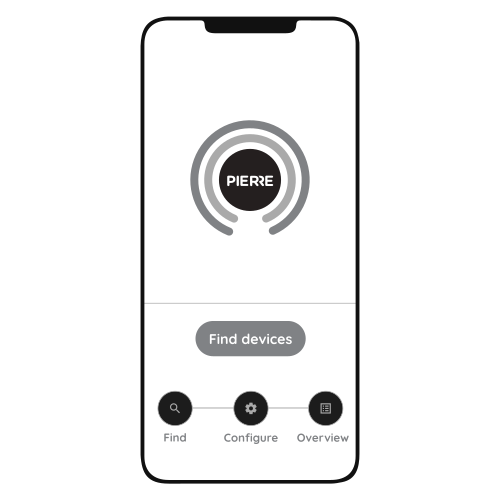
Image

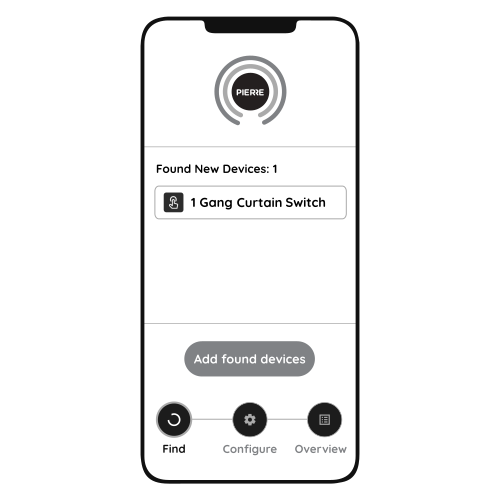
Press "Find Devices"

Image

PIERRE application will show the list of available devices. Press "Add found devices"
Image

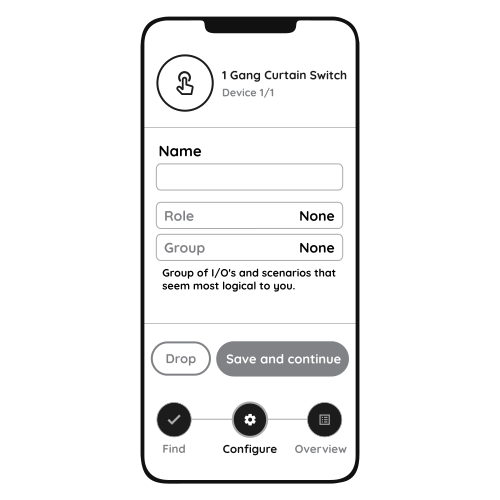
Enter Name, Role and Group settings and Save it
Image

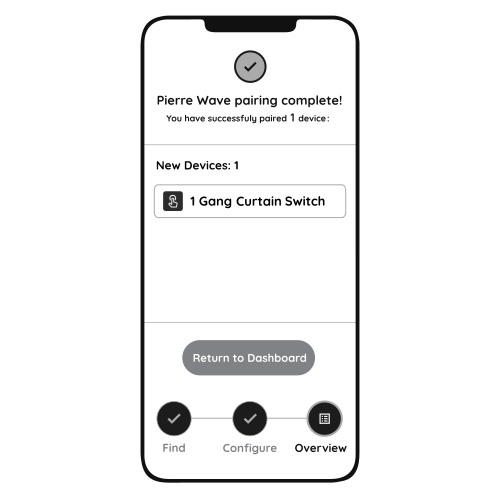
When the Light indicator stops flashing, the PIERRE Wave pairing process is finished