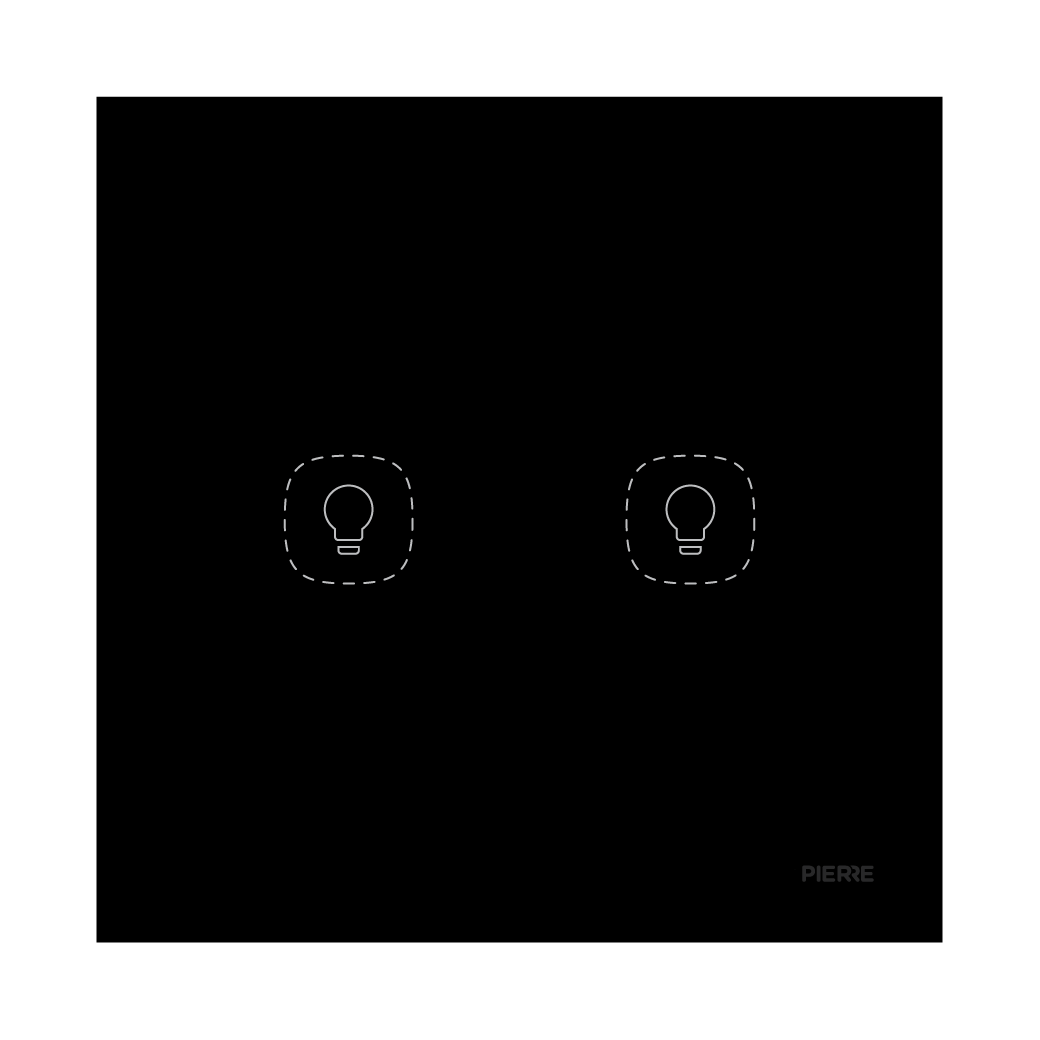
User Manual
Flat Series 2 Gang Light Switch - Black (L+N)
SKU: PW-SWI-L-2G-LN-BLK-F
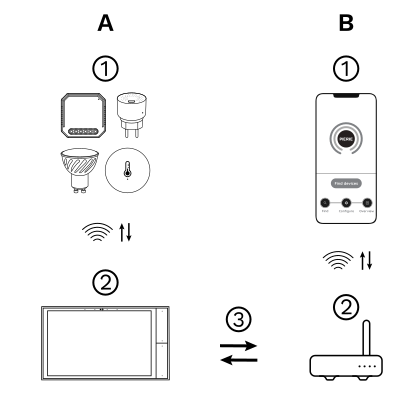
The PIERRE Wave (Zigbee 3.0, 2.4 GHz) system consists of the following components.
Required
Optional
Operation: the gateway connects to the router by Wi-Fi or LAN. PIERRE Wave products communicate wirelessly with the gateway in both directions: commands are sent and status updates are received through the Smart PIERRE app.
A PIERRE Wave (Zigbee 3.0, 2.4 GHz) gateway: a PIERRE display and/or gateway.
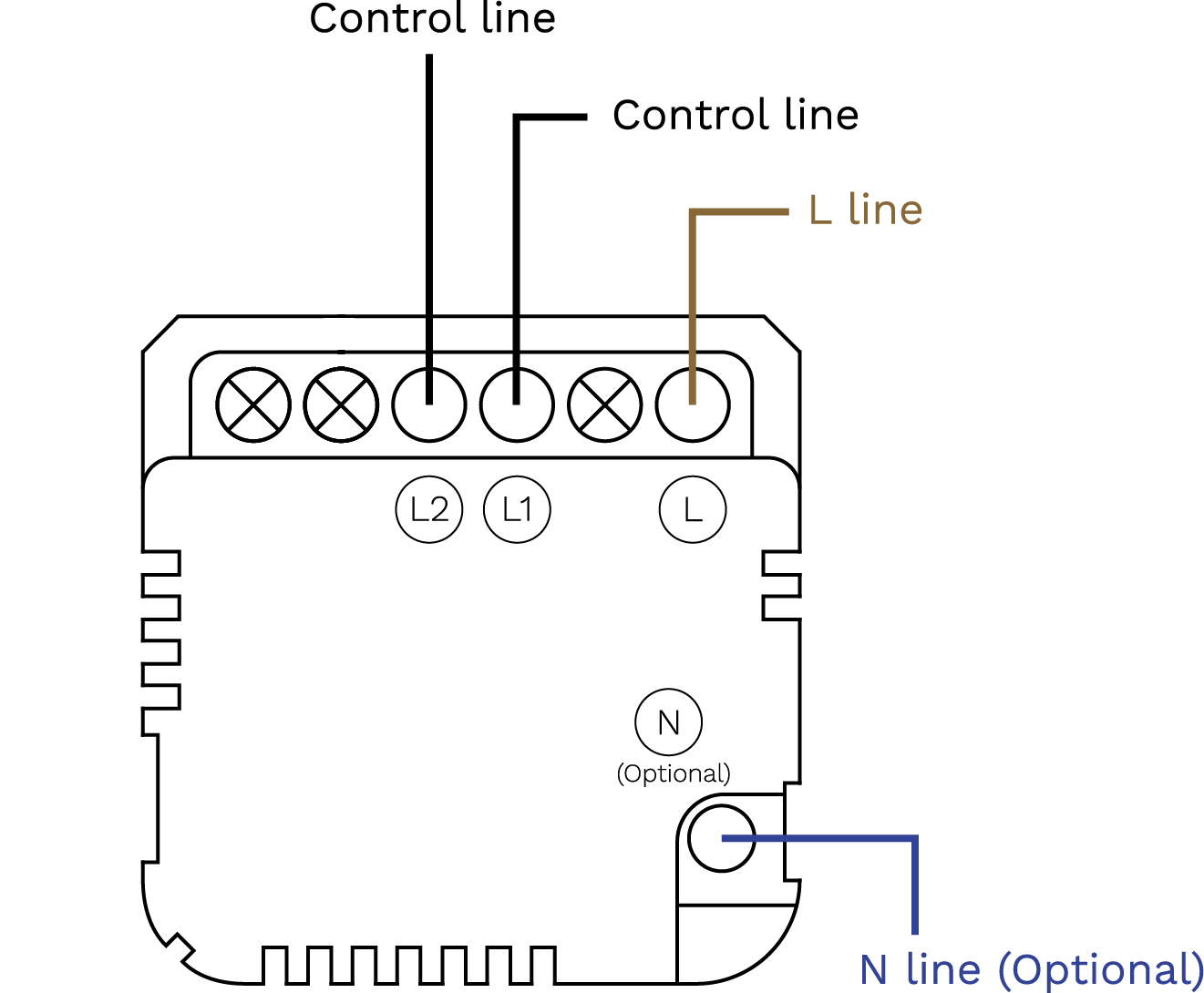
2 Gang Light Switch Wiring (L+N)
| Run | Wires | Cross-section | Cable type | Conductors |
|---|---|---|---|---|
| From Electric box to Light switch | 2 | 1.5 mm² | NYM-O | L, N |
| From Light switch to lamps | 2 | 1 mm² | NYM-O | L1, L2 (switched lines; the neutral to each lamp is wired directly from the electric box) |
Scan the QR code to download the Smart PIERRE app.
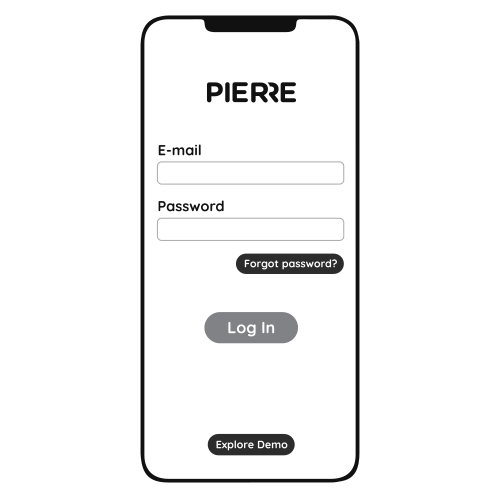
Log in with your Username and Password
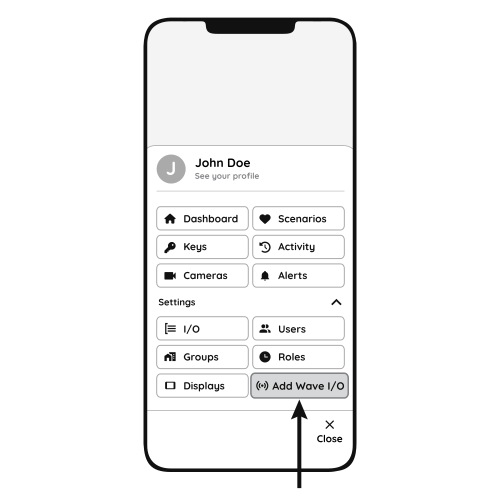
Open Settings and press "Add Wave I/O"
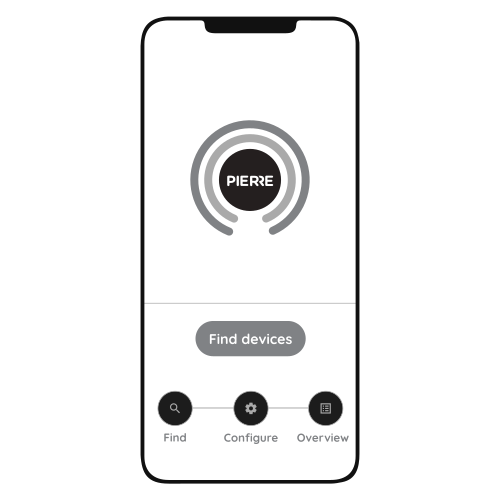
Put the switch into pairing mode: press and hold the Reset Key for 10 seconds (use a small, thin object such as a paperclip) until the indicator light starts flashing.
Press "Find Devices".
The app shows the list of available devices. Press "Add found devices".
Enter Name, Role and Group and press Save.
When the indicator light stops flashing, the pairing process is finished.
PIERRE Academy - How to Install and Configure a Two-Gang Smart Light Switch. https://www.youtube.com/watch?v=zXz-0DQyTSo