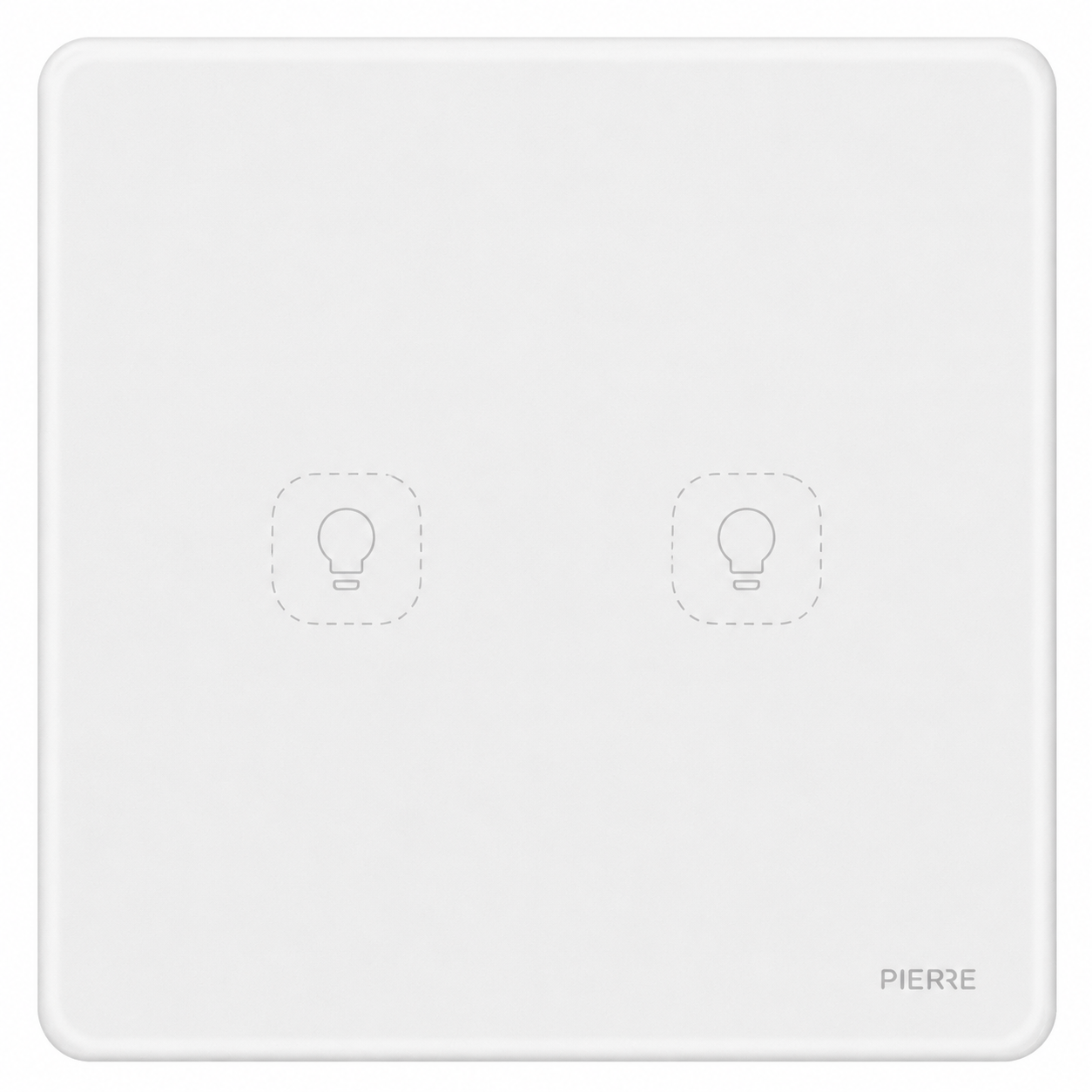
User Manual
Rounded Series 2 Gang Scene Switch - White (L+N)
SKU: PW-SWI-S-2G-NL-WHI-R
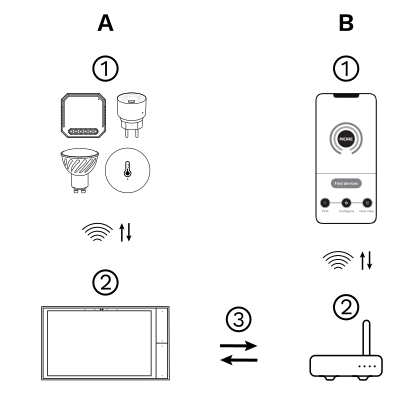
The PIERRE Wave (Zigbee 3.0, 2.4 GHz) system consists of the following components.
Required
Optional
Operation: the gateway connects to the router by Wi-Fi or LAN. PIERRE Wave products communicate wirelessly with the gateway in both directions: commands are sent and status updates are received through the Smart PIERRE app.
| Power Supply | 100-240V AC 50-60Hz |
| Operating Temperature | +32°F - +104°F |
| Operating Temperature (°C) | 0 - +40 |
| Operating Humidity | ≤ 80 % RH |
| IP Rating | IP20 |
| LED Indicators | Yes |
| Width | 86 mm |
| Height | 86 mm |
| Depth | 34 mm |
| Panel Material | Tempered glass |
| Product Color | Grey |
| Mounting Type | Wall mount |
| Mounting Box | 80x80mm |
| Bolt Hole Distance | 60 mm |
| Wiring Requirements | N - Neutral, L - Line |
| Connectivity | Zigbee |
| Safety Features | Overload protection, Over voltage protection, Short circuit protection |
| Number of Channels | 2 channels |
Warnings
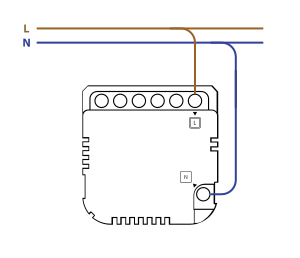
2 Gang Scene Switch Wiring
Please scan the QR code to download PIERRE application
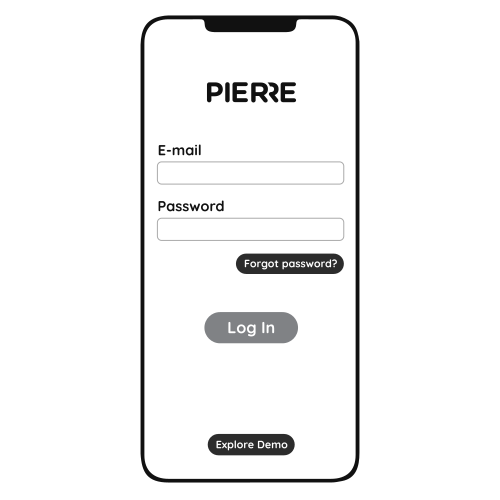
Log in with your Username and Password
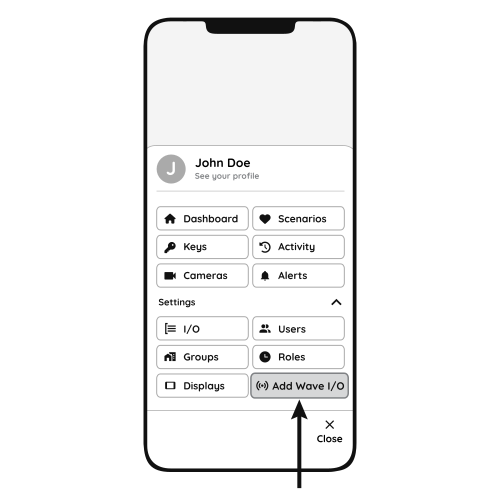
Open Settings and press "Add Wave I/O"
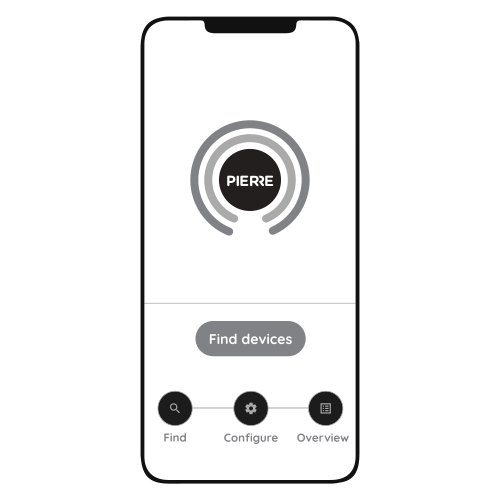
Press "Find Devices". The Smart PIERRE app shows the list of available devices. Press "Add found devices", enter Name, Role and Group and press Save. When the indicator light stops flashing, the PIERRE Wave pairing is finished.